AI for Work-From-Home Professionals: When Your Home Is Also Your Office
Working from home does not make household management easier — it makes it harder. Here is how AI personal assistants solve the WFH context collapse.
The beta is open — hand this off to Jipsa. Free to start, no card required.
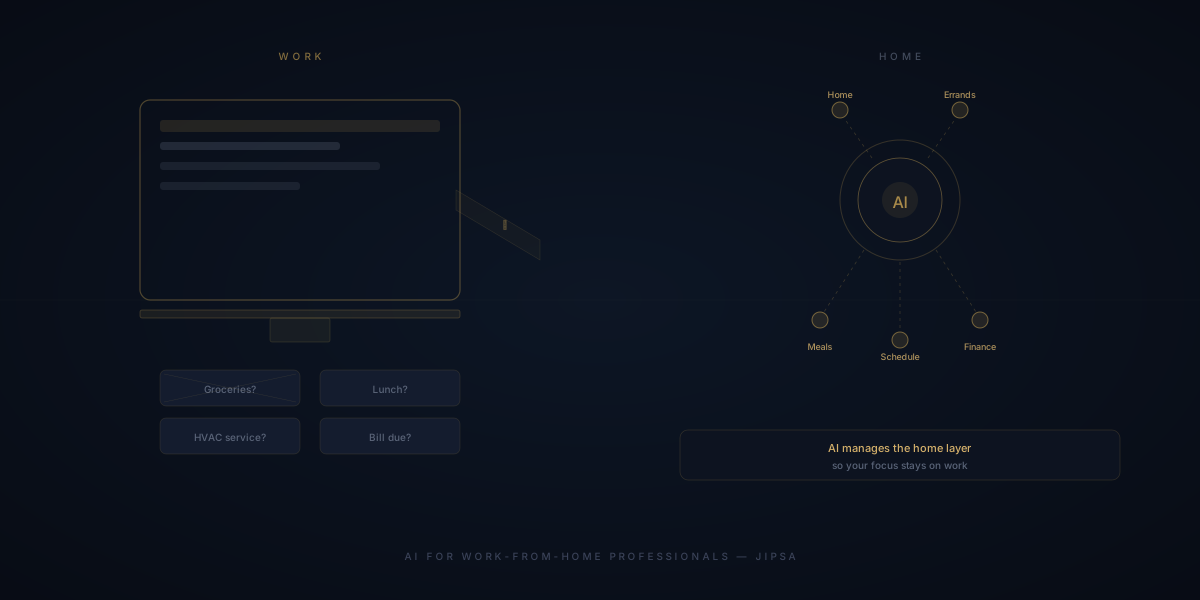
Sign Up for BetaWorking from home was supposed to save time. No commute. Flexible schedule. Minutes freed up that you could spend on anything else. What nobody warned you about was the context collapse: the moment home becomes the office, every household task becomes visible during work hours, and the mental load of managing both triples.
AI for work-from-home professionals is not the same as AI for general productivity. The WFH context creates specific, predictable problems — and a good AI personal assistant solves them without adding another tool to an already-overstuffed screen.
The WFH Household Problem No One Talks About
When you commute to an office, your home is out of sight. The empty refrigerator, the pile of laundry, the appointment you need to schedule — none of it enters your field of awareness until you are home and your workday is over.
When you work from home, everything is visible all day. You walk past the laundry at 10am. You open the kitchen at lunch and register the empty shelves. You take a break and notice the maintenance request you never filed. Every domestic signal interrupts focus because it is physically present in the same space where you are trying to work.
The result is a specific kind of cognitive fragmentation: you are neither fully at work nor fully managing your home. You are managing both, badly, simultaneously.
What AI Handles That Changes the WFH Equation
The solution is not better discipline. The solution is removing the tasks from your mental queue entirely by handing them to a system that operates independently of your focus.
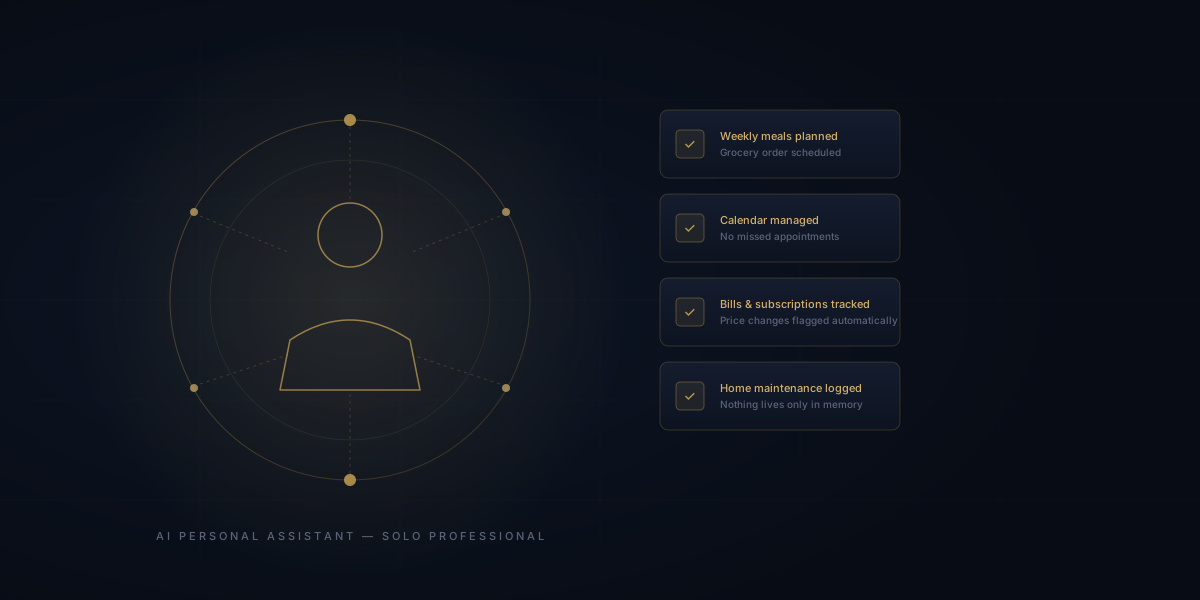
Meals and grocery planning without thinking about it at noon. The WFH lunch decision — what to eat, whether there is anything in the house, whether to order — is a recurring cognitive tax on your workday. Jipsa handles the weekly meal plan and grocery order before the week begins. When noon arrives, there is food and a plan. You did not think about it.
Scheduling that does not interrupt focus. Appointments, service calls, deliveries — coordinating these is harder when your office is at home because the boundary between "work time" and "life admin time" is blurred. Jipsa schedules, tracks, and reminds. The administrative layer runs without you opening a calendar mid-meeting.
Home maintenance that does not pile up. The advantage of being home all day is that you notice things that need attention. The disadvantage is that noticing them does not mean acting on them. Jipsa tracks what needs attention — seasonal maintenance, appliance checks, repairs you mentioned — and surfaces it at the right time rather than letting it accumulate.
Financial layer that runs in the background. Subscriptions, bills, price changes — Jipsa watches and reports. You are not checking statements during work hours because the monitoring happens automatically.
The Real Cost of Context Collapse
In a conventional office environment, there is a clean handoff: work mode ends, life admin mode begins. That structure — even if artificial — reduces the total cognitive load because the modes do not overlap.
WFH eliminates that handoff. The result, documented across remote work research, is longer working hours and lower daily satisfaction — not because work itself is harder, but because the constant low-level presence of domestic tasks drains attention that would otherwise go to recovery and focus.
The average work-from-home professional spends three to five hours per week managing household logistics — and an estimated equal amount of time being distracted by unmanaged household concerns during work hours. That is six to ten hours per week of real cost, split between lost productivity and lost recovery.
Cut that down to under an hour a month — try Jipsa free.
How WFH Professionals Use Jipsa Differently
The setup priorities differ from a family with school-age children or a commuting professional. WFH-specific use cases:
The distraction-blocking grocery system. You should not be thinking about the grocery order at 2pm on a Tuesday. Jipsa generates the order Sunday evening, schedules delivery for a time that does not cut into focus hours, and handles substitutions without asking. Tuesday at 2pm, your attention belongs to work.
Calendar blocks for life admin. Jipsa can identify the right time to schedule things that require your physical presence — service calls, appointments — by looking at your actual schedule rather than guessing. No more being home all day and still missing the window.
The morning briefing that separates modes. One of the most effective WFH practices is a clear signal that starts the workday. Jipsa's daily briefing — your schedule, what needs attention, any household items requiring action — serves as that starting signal. Before opening email, you know what the day holds. The household layer is handled.
End-of-day handoff. Jipsa can surface outstanding household tasks at a specific time each day — the equivalent of the commute home, where you mentally transition out of work mode. Working from home does not mean working until you collapse. It means having systems that create the structure your environment removed.
The Argument for AI When Work and Home Share a Space
The standard pitch for AI personal assistants focuses on hours saved. For WFH professionals, the argument is slightly different: it is about cognitive separation.
The household management layer should not be running in the background of your working brain. When it does — when you are half-thinking about what to cook while on a call, or half-noting that the filter needs changing while debugging code — neither thing gets your full attention.
Handing that layer to an AI personal assistant does not just save hours. It restores the mental separation that your commute used to provide. Your home brain and your work brain stop competing for bandwidth.
For work-from-home professionals, that is the real value. Not a smarter grocery list. The return of an uncluttered mind during work hours — and an actually managed home during everything else.
The beta is open now, free to start. Create your account here.
Related: How AI handles the mental load and busy professionals reclaiming their evenings.
Let Jipsa handle it for you
The beta is open. Create your account and hand off the logistics of everyday life — free to start, no card required.
Sign Up for BetaFree Download
The AI Home Management Checklist
42 tasks AI can handle for your household — from meal planning to home maintenance. See exactly what to automate first.