AI Weekly Planner: Plan Your Entire Week in Under 10 Minutes
An AI weekly planner doesn't just help you schedule — it connects to your calendar, meals, errands, and household tasks and plans them together. Here's how it works.
The beta is open — hand this off to Jipsa. Free to start, no card required.
Sign Up for BetaEvery Sunday, the same ritual: open your calendar, mentally inventory what needs to happen this week, try to figure out meals, remember what errands you've been putting off, and attempt to lay it all out in some coherent plan before Monday arrives. By the time you're done, you've spent an hour you didn't have — and the plan rarely survives Tuesday anyway.
An AI weekly planner changes the mechanics of this entirely. Instead of you building a plan from scratch, the AI takes inputs you already have — your calendar, your grocery situation, your known commitments — and assembles a realistic, coordinated week. You review and adjust. In under ten minutes.
What Makes AI Weekly Planning Different
Traditional planners — apps, spreadsheets, paper — require you to be the planner. They store your decisions but don't help you make them. AI planning is different in two ways.
First, it connects across domains. Your week isn't separate compartments — meals, appointments, errands, work obligations — it's one interconnected flow. When your AI planner knows you have a late meeting Tuesday, it adjusts the dinner plan for Tuesday accordingly and shifts the grocery order timing. No manual cross-referencing required.
Second, it handles execution, not just tracking. The plan doesn't sit on a screen waiting for you to act on it. The grocery order goes in. The appointment gets scheduled. The reminders fire. This is what separates a true AI butler from a smart to-do list.
The Five Inputs That Build Your Week
A well-designed AI weekly planning session works from five sources of information:
1. Your calendar What's fixed this week — meetings, kids' activities, appointments, commitments? These are the non-negotiables the rest of the plan builds around.
2. Household status What's in the fridge and pantry? What supplies are running low? This prevents the AI from planning a dinner you don't have ingredients for or recommending a grocery order that duplicates what you already have.
3. Carry-forward tasks What didn't get done last week? What has been on the background list for longer than it should? These get surfaced and slotted into the week rather than forgotten again.
4. Preferences and constraints Dietary preferences, budget, time available for cooking, preferred grocery store, the days when you genuinely don't have time to cook — these shape every recommendation.
5. Anything you flag as urgent The car needs an appointment. You need to research summer camps. You promised to call the insurance company. These get scheduled rather than left to accumulate.
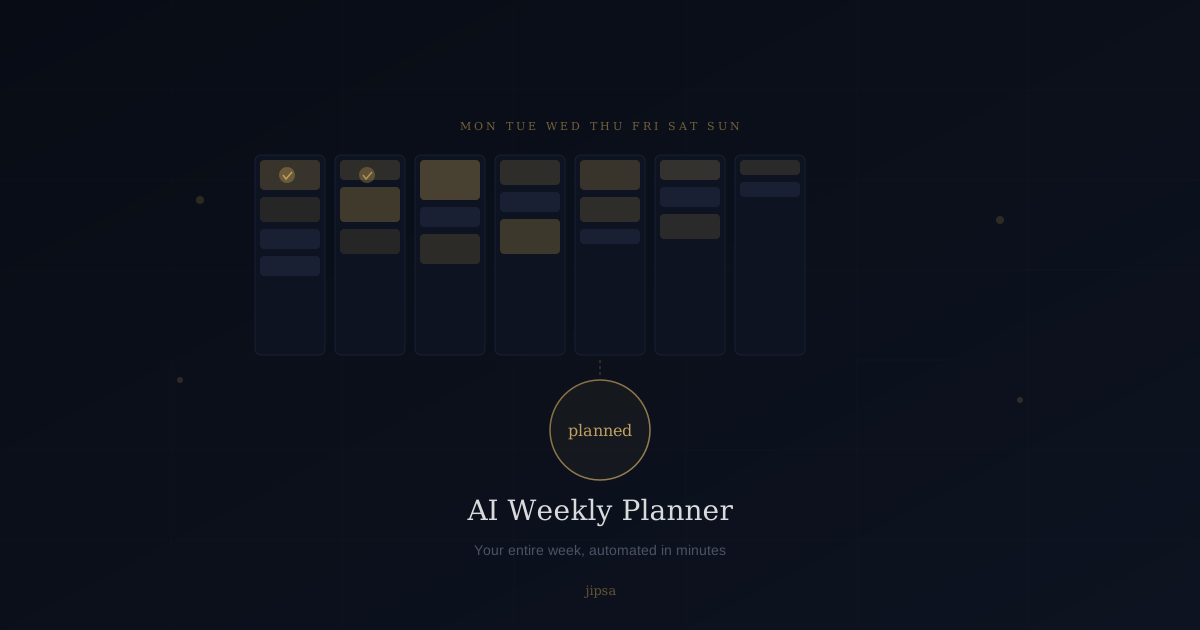
From these inputs, the AI produces a coordinated weekly plan: meals by night, errands by day, tasks by priority, with calendar blocks already placed and orders already queued.
A Realistic Walkthrough
Here is what a 10-minute AI weekly planning session actually looks like:
You open your AI butler and say: "Plan my week. I have a work event Thursday evening. Kids have soccer Tuesday and Thursday after school. We're low on protein and produce. I need to schedule a plumber — there's a slow drain in the master bath."
The AI:
- Checks your calendar and notes the Thursday conflict
- Plans dinners around the Tuesday/Thursday soccer schedule (quick meals or delivery)
- Builds a grocery list anchored to protein and produce, adjusted for a family with two after-school pickups this week
- Finds a plumber with availability during business hours when you're not in meetings and drafts the appointment request
- Sends the grocery order for your approval
- Blocks time Friday for tasks that slipped from last week
The entire exchange takes under ten minutes. What would have taken an hour — and often didn't happen at all — is done before your coffee is cold.
The Planning Rhythm That Compounds
Weekly planning with AI has a compounding effect that solo planning doesn't. The AI remembers context across weeks. It notices that you always under-order vegetables and adjusts. It notices that Tuesday pickups make dinner impossible and stops planning ambitious Tuesday meals. It builds toward your actual patterns rather than the idealized version you imagine on Sunday.
Most people who plan manually find the plan degrades by Wednesday. The AI version is self-correcting — it adjusts mid-week when things shift and carries forward what didn't happen, without judgment and without the cognitive overhead of starting over from scratch.
Starting Your First AI-Planned Week
If you have never used an AI to plan a week, the most useful first step is to start with the logistics layer: meals and groceries. This is where the time savings are most immediate and most visible. Once you see an entire week of dinners planned and ingredients ordered without touching your phone more than twice, the case for expanding the system becomes obvious.
From there, the pattern extends naturally to appointments, errands, and family coordination. Within a few weeks, Sunday planning stops being a task and becomes a two-minute review.
Start your first AI-planned week with Jipsa — free to use, no credit card required.
Why Most Planning Apps Fail
The graveyard of planning apps is littered with good intentions. Every productivity app promises to help you get organized, but almost all of them work by making you add more information into a system you then have to manage. They shift the work; they don't remove it.
The promise of AI weekly planning isn't a better interface for your to-do list. It's the elimination of the planning overhead itself. Decision fatigue is real — the dozens of micro-decisions that go into planning a week wear you down before the week even starts. AI removes those decisions from your plate so you arrive Monday with your energy intact.
That is the actual value proposition. Not productivity theater. Less work.
Plan your first week with Jipsa — and see what changes when your Sunday isn't swallowed by logistics.
Let Jipsa handle it for you
The beta is open. Create your account and hand off the logistics of everyday life — free to start, no card required.
Sign Up for BetaFree Download
The AI Home Management Checklist
42 tasks AI can handle for your household — from meal planning to home maintenance. See exactly what to automate first.