Why Most Productivity Apps Fail (And What Works Instead)
Productivity apps promise to save time but create more work. Here is why task management tools fail — and why AI that acts on your behalf actually works.
The beta is open — hand this off to Jipsa. Free to start, no card required.
Sign Up for BetaYou Have Tried Every Productivity App. None of Them Worked.
Todoist. Notion. Trello. Asana. Things 3. TickTick. You have downloaded them all, set them up with enthusiasm, used them religiously for two weeks, and then quietly abandoned them.
You are not the problem. The apps are.
The productivity app industry is worth billions of dollars, yet most people feel less productive than ever. We have more tools for managing tasks than at any point in human history, and somehow the to-do list keeps getting longer. Something fundamental is broken.
The Core Problem: Productivity Apps Add Work
Here is the uncomfortable truth that no productivity app company wants you to hear: most task management tools do not reduce your workload. They increase it.
Think about what happens when you adopt a new productivity system:
- You spend time setting it up. Projects, tags, labels, priorities, contexts, recurring tasks, integrations.
- You spend time maintaining it. Every task needs to be captured, categorized, scheduled, and updated.
- You spend time reviewing it. Weekly reviews, daily planning sessions, inbox processing.
- You still have to do the actual work. The app never does anything. It just organizes your awareness of what needs to be done.
You have added a management layer on top of your actual responsibilities. You are now doing two jobs: your real work and the work of managing your productivity system.
This is why productivity apps fail. They confuse organizing work with doing work. And for most people, the overhead of the system eventually exceeds its benefits.
The Five Reasons Productivity Apps Do Not Stick
1. They Require Constant Input
Every productivity system is only as good as the data you feed it. Miss logging a few tasks, and the system becomes unreliable. Once it is unreliable, you stop trusting it. Once you stop trusting it, you stop using it.
This is the input trap: the app needs your attention to be useful, but the reason you needed the app is that you do not have enough attention to go around.
2. They Optimize for Organization, Not Outcomes
Beautiful Kanban boards and color-coded tags feel productive. They are not. Moving a card from "To Do" to "In Progress" is not progress — it is bookkeeping. Most productivity apps reward you for organizing tasks rather than completing them.
The metric that matters is not how well your tasks are categorized. It is how many of them are done.
3. They Do Not Understand Context
Your task list says "buy groceries." But it does not know that you need groceries for the dinner you are cooking Thursday for the friends you invited last weekend. It does not know that your usual store is out of the way today but you drive past a Whole Foods on your commute. It does not know that Amazon Fresh could deliver everything by tomorrow morning.
Traditional task management is context-blind. It stores what you need to do but has no understanding of when, how, or why.
4. They Create Decision Fatigue
A long, well-organized to-do list still presents you with dozens of decisions every day. What should I do next? Is this urgent or important? Should I batch these tasks? Which project needs attention?
Ironically, the more comprehensive your productivity system, the more decisions it forces upon you. Decision fatigue is a real cognitive cost, and most apps make it worse.
5. They Never Act
This is the biggest failure of all. Your productivity app will never send an email for you. It will never book a reservation, order groceries, schedule an appointment, or complete a form. It reminds you to do things. It does not do things.
You still have to execute every single task yourself. The app is a to-do list with extra steps.
What Actually Works: AI That Acts
The alternative to a productivity app is not a better productivity app. It is a fundamentally different approach — one where the system does not just track your tasks but completes them.
This is the promise of AI productivity: an intelligent assistant that takes action on your behalf.
From "Remember to Do" to "Already Done"
Consider the difference:
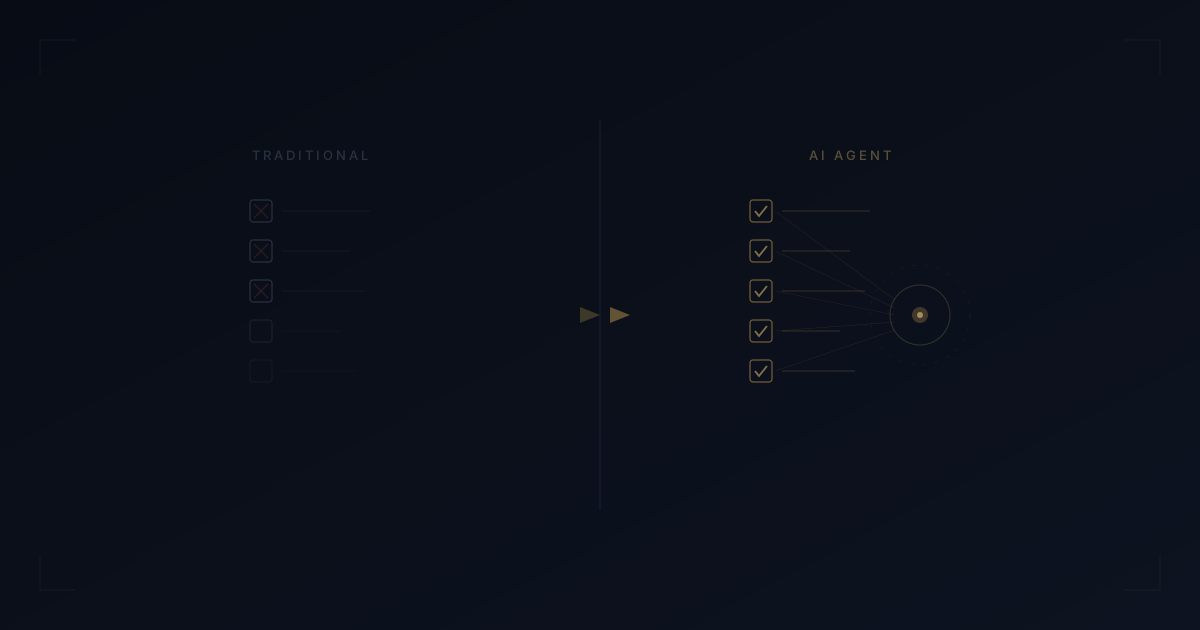
Traditional app: "Reminder: Order groceries for Thursday dinner" — You open the app, browse recipes, build a list, open another app, search for items, add to cart, checkout.
AI assistant: You mentioned Thursday dinner once. The AI planned the menu, built the grocery list, added items to your Amazon Fresh cart, and sent you a confirmation. You approve with one tap.
The task is not managed. It is handled.
From Input-Heavy to Conversation-Based
Instead of filling out forms, creating projects, and tagging items, you have a conversation. "I need to plan dinner for six people Thursday, order groceries, and make a reservation somewhere as a backup." The AI handles each component across the appropriate service.
No data entry. No system maintenance. No weekly reviews.
From Context-Blind to Context-Aware
An AI assistant that connects to your calendar, your dietary preferences, your location, and your service accounts understands the full picture. It does not just know what you need to do — it knows the best way to get it done and can execute accordingly.
The Shift from Tool to Agent
The productivity industry is undergoing a fundamental transition. For decades, software has been a tool — something you operate to achieve a result. The next era is software as an agent — something that operates on your behalf.
Tools require your time and attention. Agents give time and attention back.
This is not about incremental improvement. It is not a better notification system or a smarter sorting algorithm. It is a category shift from passive task tracking to active task execution.
Where Jipsa Fits In
Jipsa is built on the agent model. It is not a to-do list. It is not a project management board. It is a personal AI butler that connects to the services you use every day and takes action.
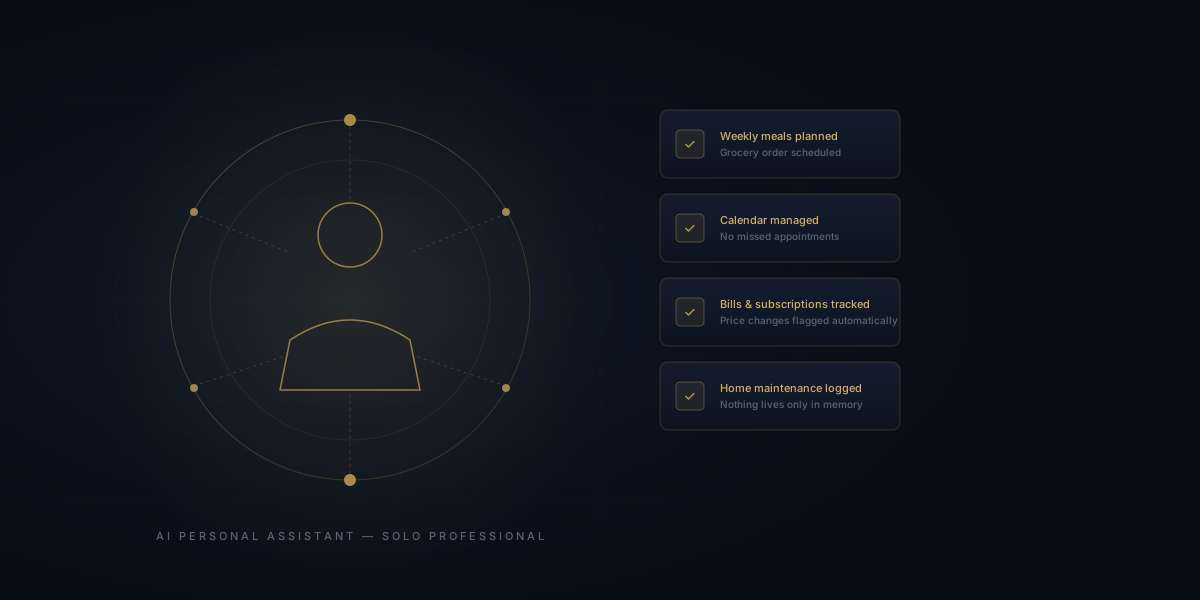
Need to plan meals for the week? Jipsa generates the plan, builds the grocery list, and fills your cart on Amazon Fresh. Need a restaurant reservation? Jipsa checks availability on OpenTable and books it. Need to coordinate a busy weekend? Jipsa checks your Google Calendar, finds openings, and suggests a plan.
You do not manage Jipsa. You do not maintain it. You do not review it. You tell it what you need, and it handles the rest.
That is not productivity software. That is productivity, period.
Tired of apps that create work instead of eliminating it? Try Jipsa — the AI butler that does the work for you. Stop managing tasks. Start living.
Let Jipsa handle it for you
The beta is open. Create your account and hand off the logistics of everyday life — free to start, no card required.
Sign Up for BetaFree Download
The AI Home Management Checklist
42 tasks AI can handle for your household — from meal planning to home maintenance. See exactly what to automate first.